Introduction
What Version T is, who it's for, and the two roles it plays alongside the console you already own.
Version T turns your mixing console into a theatre instrument. It sits alongside the desk you already own and adds the workflows a musical demands — fast routing changes, spatial panning, automatic chorus levelling, and show-driven cue control — without asking you to relearn your console or abandon it mid-run.
It is built for everyone involved in the show — the designer who sets the system up before opening, the operator at the desk night after night, and the stage hand keeping it all moving. If you work in live theatre, Version T is meant to disappear into how you already work.
Two roles: expanded control, and a portable show
Version T works with your console in two roles.
One — it expands the console into panels you can work in. Version T reads the desk’s live parameters and brings them into purpose-built screens. Some simply mirror the console; most go further, letting you interact with those parameters in ways the console’s own hardware often can’t — reading and writing the live desk in real time. Think of it as control surfaces the console never had.
Two — it builds a show that isn’t tied to one desk. Version T captures the show as console-agnostic parameter sets: what should change, described in Version T’s own terms rather than one console’s snapshot format. Your preferences — which channels are tracked and how they map — are the bridge that lets the same show recall onto any console Version T connects to. Build the show once, and run it on whatever desk you’re patched into.
In short: role one gives you control the console lacks; role two gives you a show the console can’t hold on its own.
What’s inside
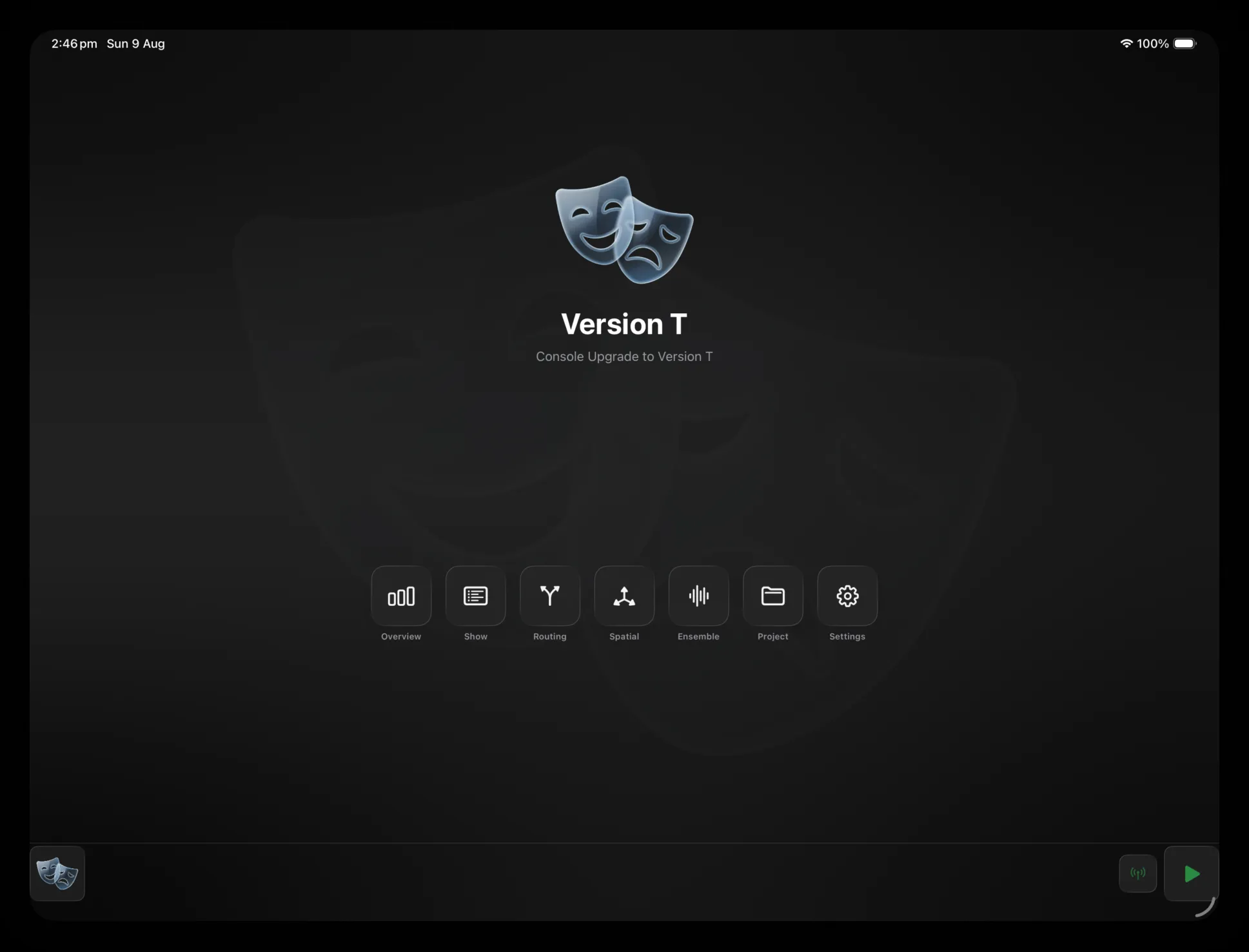
Everything is reached from the Hub, the home screen you land on once you connect. Six panels cover the show:
- Overview — every channel and mix at a glance, with live meters and quick actions for muting, alt-source and PAFL.
- Routing Sets — pre-wired signal paths. Define a mic’s full routing once, then assign it per cue with a single tap.
- Spatial Panner — place sources in space on an editable mesh, driven live from the console’s send levels.
- Ensemble — automatic chorus levelling. A Vocal Rider–style engine rides the group so the ensemble stays even without a hand on every fader.
- Show — the console’s scene list beside your own cue list, with Prev / Next / GO transport always to hand.
- Project — show details, connection status, and import/export of your Version T setup.
Each panel shares the same frame: the Hub button and title up top, the panel’s own controls, and a persistent dock along the bottom for connection, scene and transport. Learn the shell once and every panel feels familiar.
Works with your console
Version T speaks to your console over its native network. When it starts, it searches for every compatible device on the network at once — Allen & Heath dLive, Behringer WING and more — and shows them in a single list. Pick one, tap connect, and you are in. If you have connected before, it reconnects to your last desk automatically.
Using this manual
The manual follows the app. Getting Started gets you installed and connected. Interface covers the Hub, the dock and the shared panel layout — the furniture every screen is built on. Panels documents each feature screen in turn. Reference collects the technical detail — data models and control addresses — for when you need to go deeper.
If you are new, read Getting Started and Interface first, then dip into whichever panel you are setting up.