Project
The show's identity and its portable bundle — export the whole project to move it to another iPad or another console.
Project is your show’s home base. It holds the show’s identity — name, version, venue, status — and it’s the one place to carry the whole thing in and out as a portable bundle. Everything you build in Version T (routing, panner, ensemble, overview sets, the cue list) lives in the project; export it to move to another iPad, import to bring one in.
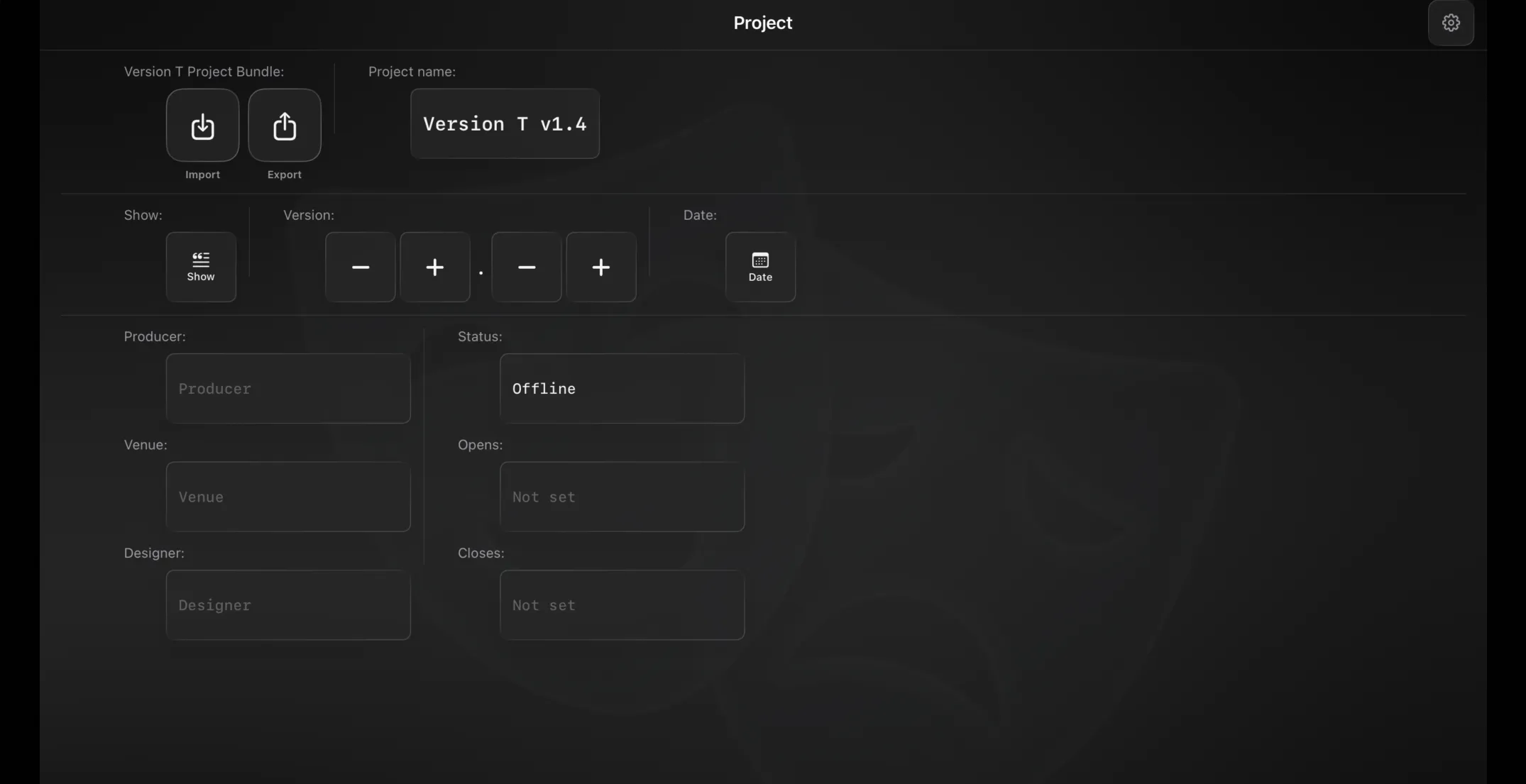
Project identity
At the top, an Import and Export pair sit beside the current project name. The name is built from the fields below and is used for export filenames.
The info grid holds:
- Show name, and a Version (major.minor) with a stepper, plus an optional append-date.
- Producer, Venue, Designer.
- Status — Offline, Soundcheck, Piano Tech, Orchestra Tech, Dress, Preview, Open or Locked.
- Opens / Closes dates.
- Notes.
These are yours to track the production; the show/version/date combine into the project name.
Import and export
- Export writes a Version T Project Bundle — a single file containing the entire project.
- Import opens a bundle and asks what to bring in: Project Info, Overview, Routing, Panner, Ensemble and Show (Show is unavailable if the bundle has none). Tick the parts you want and they merge into your current project; the sheet shows the bundle’s name and export date first.
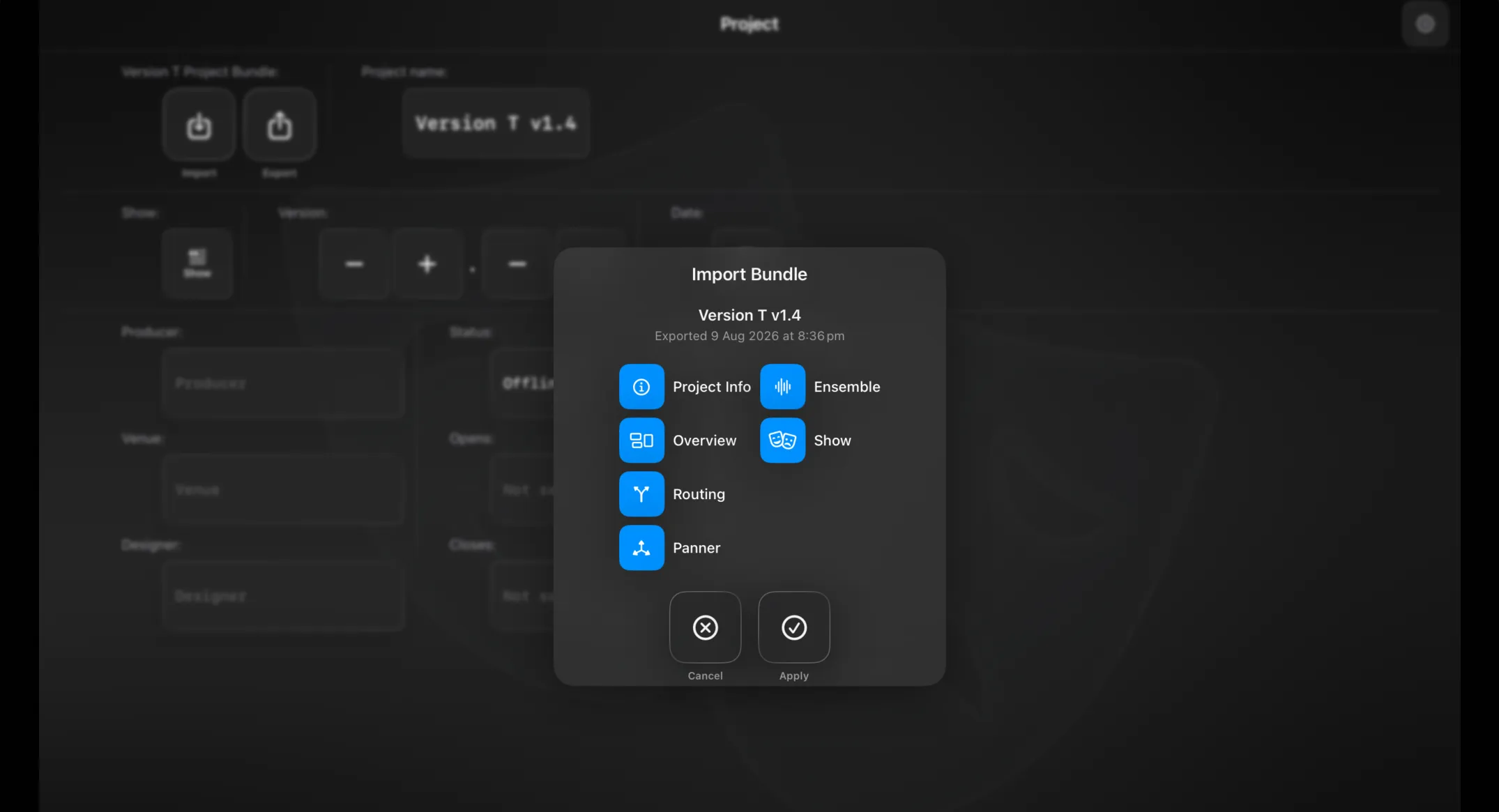
This is how a show travels — between iPads, or onto a different console. Because the show is stored as portable parameter sets, importing rebuilds it wherever you are. Your project also saves itself continuously as you work; the bundle is the portable copy you hand off or archive.
Settings
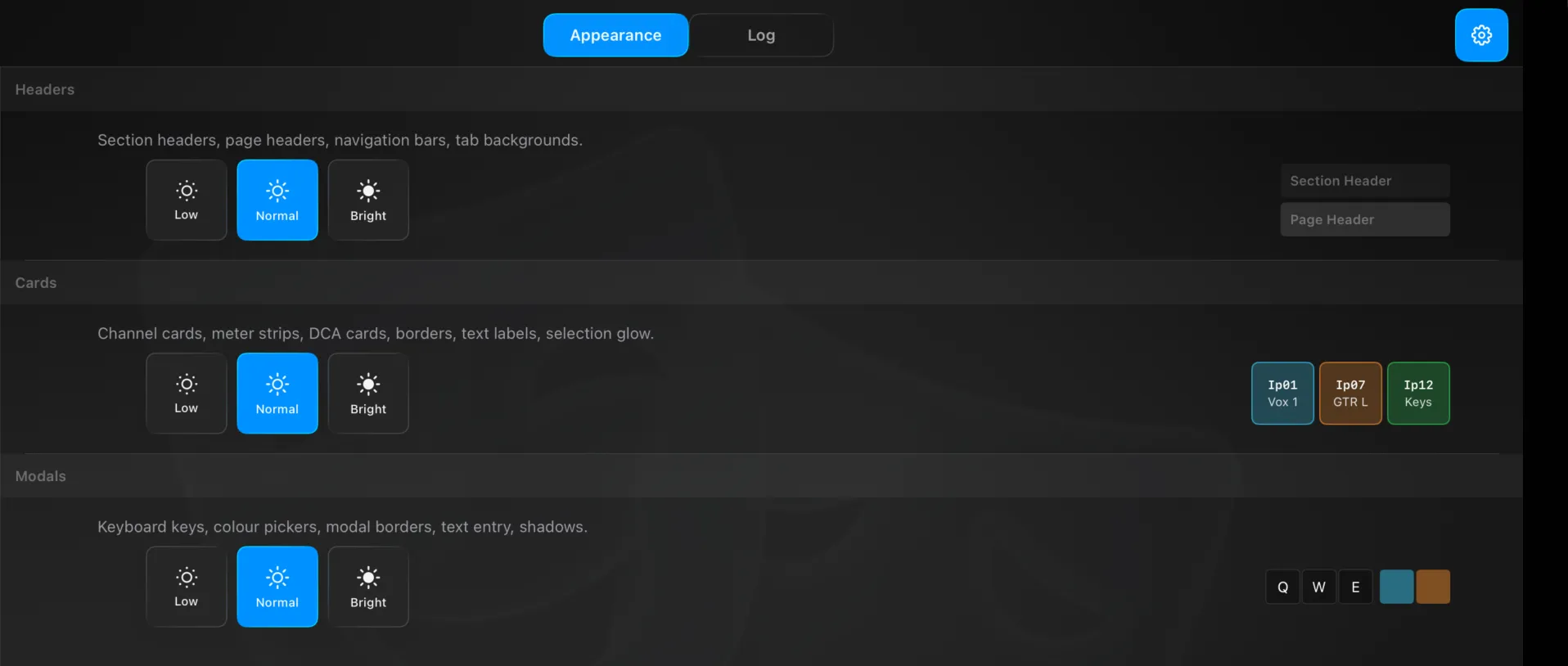
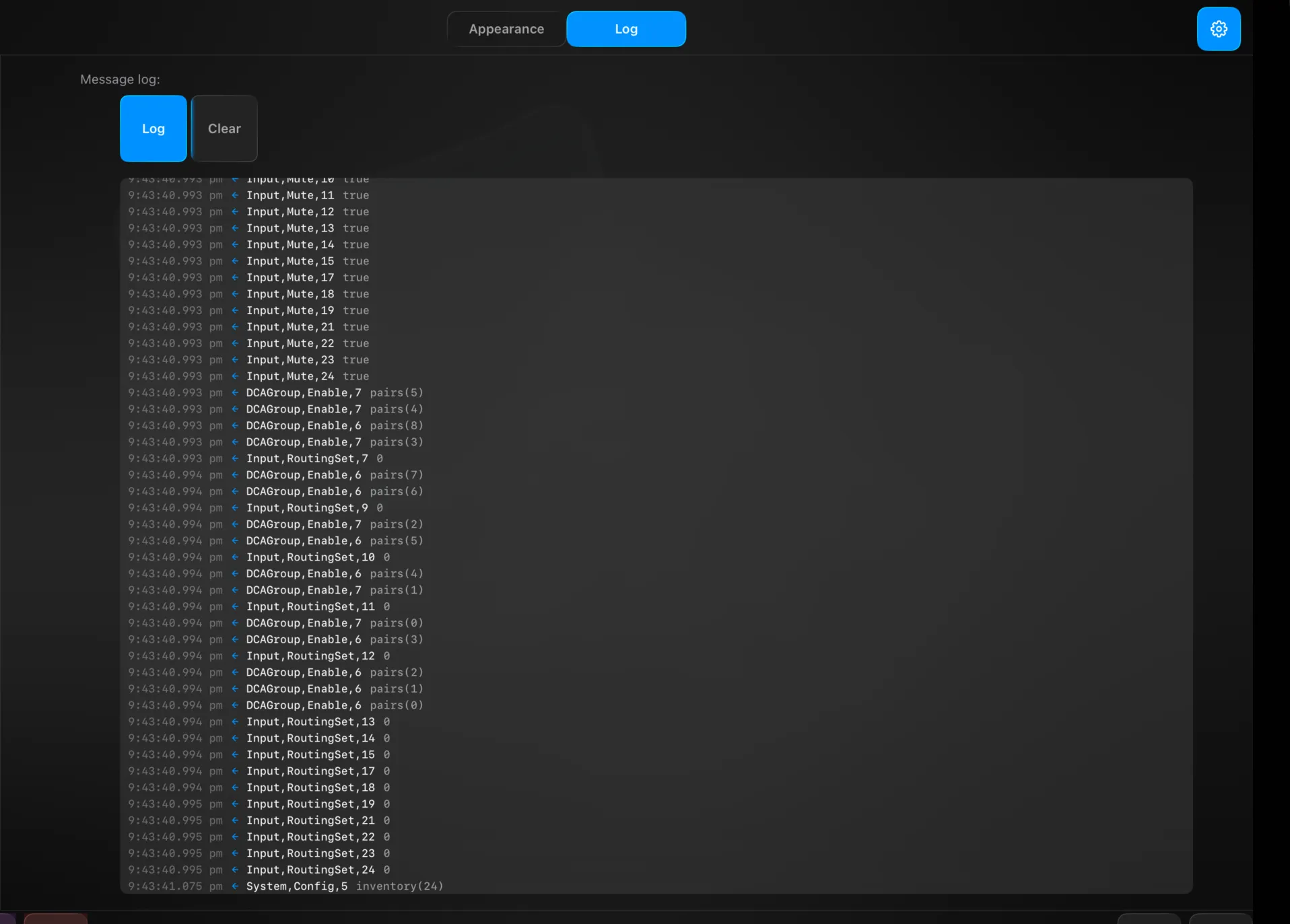
The gear here opens App settings — Appearance (UI brightness per layer: headers, cards, modals — Low / Normal / Bright, with a live preview) and Log (the console message log, with Log / Clear) — rather than a Project-specific page. See Settings.
Technical Reference
ProjectInfo (show, version, producer, venue, designer, opens/closes, status, notes) yields the project name. The bundle (com.versiont.bundle) wraps ProjectData: the routing, panner + mesh, ensemble and metering (Overview) preferences; the automation hierarchy (datacues → cues → showcues → showlists, plus macros and macro sets); the Show preferences including global safes; and the project info. Import applies only the sections you ticked.